
Quick-Fix® and Smart Fox mandrel systems
The holder is part of the instrument setup. Explore Quick-Fix® and Smart Fox, two mandrel systems in the DFS-Diamon laboratory range. Get to know their variants and the diamond and separating discs designed for each system.
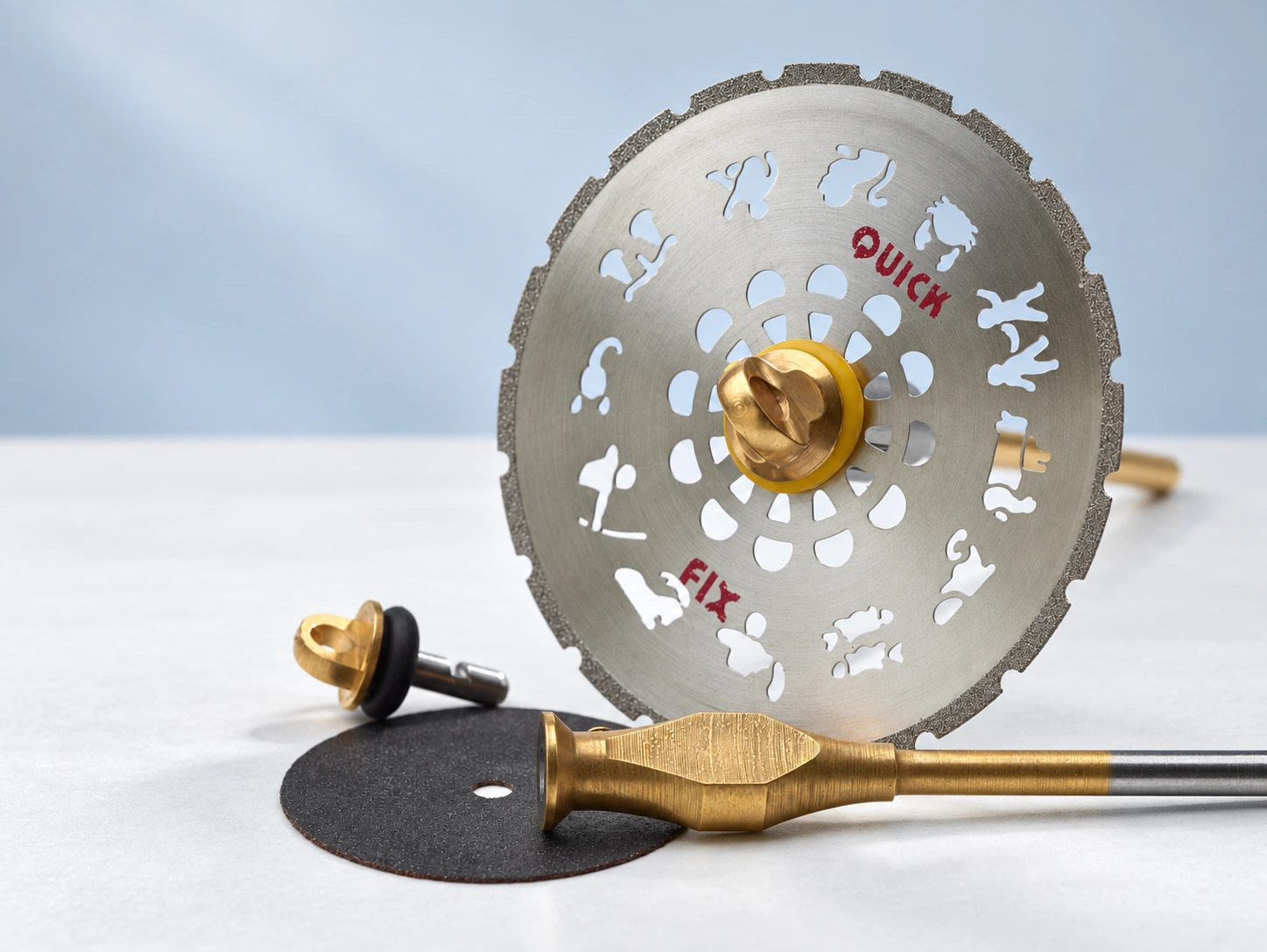 Enlarge image
Two systems. A closer look at your equipment.
Whether you are extending existing equipment or discovering a system for the first time, the overview leads you to its product information. Components must be combined within the relevant system; the specific compatibility limits are listed below.
Products and versions in detail
Match the disc and mandrel to the task. Quick-Fix® and Smart Fox offer different holders and locking mechanisms for dental laboratory discs.
Range at a glance
- Yellow Quick-Fix® for compatible diamond and plaster-cutting discs; black Quick-Fix® for compatible separating discs.
- Smart Fox for compatible diamond and separating discs, with left- and right-rotating mandrel versions.
- Find matching discs and versions in the catalogue.
Explore product groups
Find available versions and details on the linked catalogue pages.
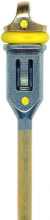
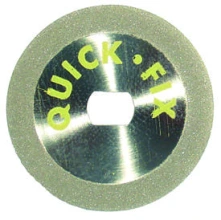
Quick-Fix®
Mandrel system for compatible diamond and separating discs. Check system compatibility.
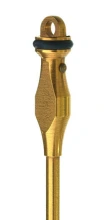
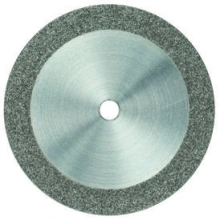
Smart Fox
Quick-clamping mandrel for compatible diamond and separating discs; not for plaster discs.
Documentation for your selection.
Our product and application information is intended for professional users and specialist distributors. Please observe the intended purpose and instructions for use of the respective product.